Wavecrate Documentation
Wavecrate is a local sample-library workstation for producers who need to move quickly through large folders, audition sounds beside a DAW, cut useful regions out of long recordings, and keep a sample library honest over time.
This book is the public documentation surface for Wavecrate. It is intentionally practical: it explains what the app does, how to start using it, and where to look when something feels stuck.
Start Here
- New users should begin with Getting Started, then use the Quick User Guide for the first sample-curation pass.
- Sample-library cleanup and source safety live in Sources, Locks, and Harvest.
- File moves, source processing, and context-menu actions live in Sample Files and Source Operations.
- Tags, labels, collections, and rating passes live in Metadata, Tags, and Collections.
- Similarity search and Starmap live in Similarity and Starmap.
- Waveform work lives in Playmarks, Editmarks, and Edits.
- Toolbar-level waveform controls live in Advanced Waveform Tools.
- Audio, cache, trash-folder, and tooltip controls live in Settings.
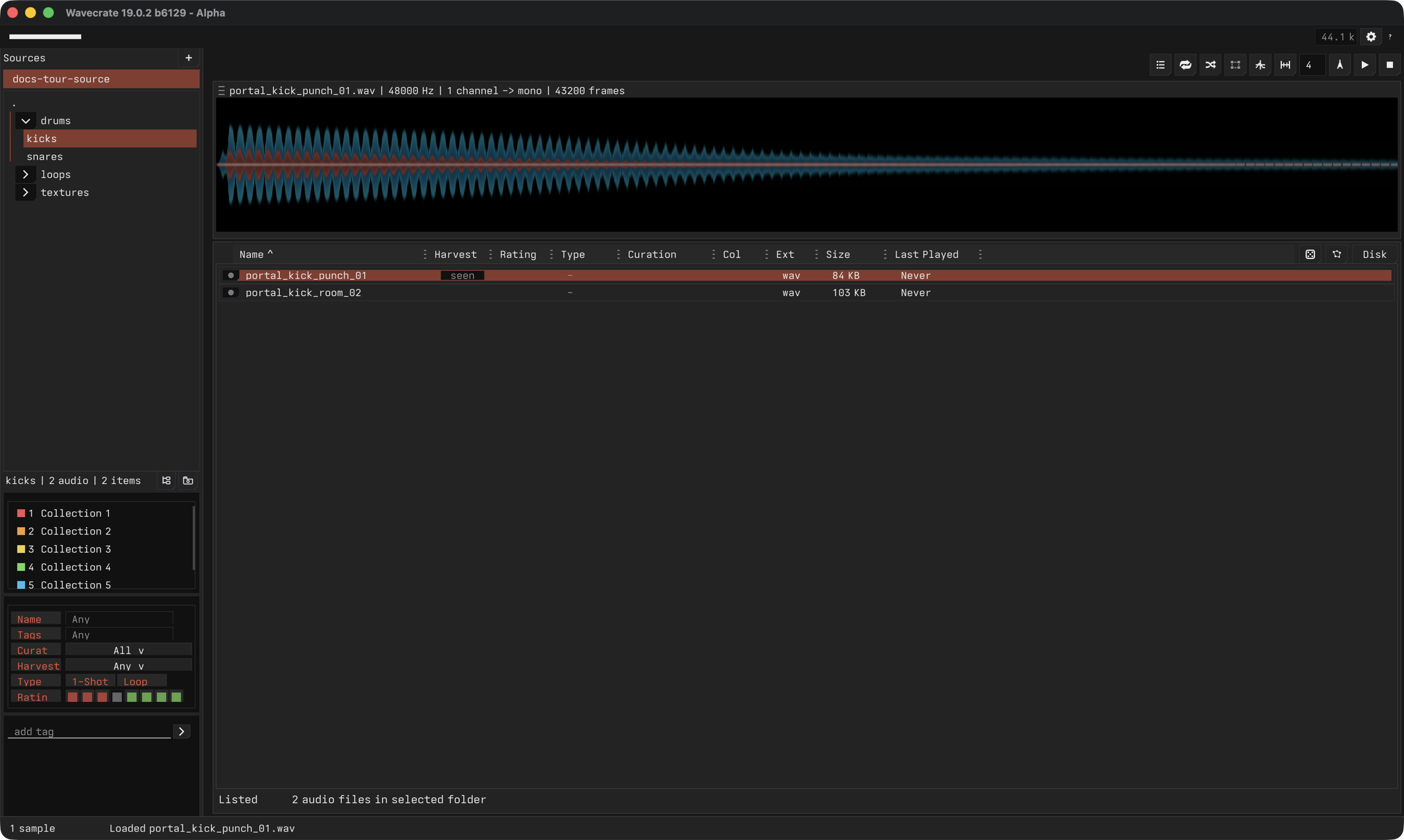
- A visual pass through the current app surface lives in Screenshots and Feature Tour.
What Wavecrate Helps With
- Browse local sample folders without hiding the original file layout.
- Audition samples quickly with keyboard-first navigation.
- Mark useful regions and extract them as ordinary WAV files.
- Make deliberate destructive edits such as crop, trim, mute, fade, reverse, and normalize.
- Rate, tag, filter, and revisit sounds as taste changes.
- Keep protected project material safe while still creating derived clips.
- Prepare similarity data so related sounds become easier to find.
- Use current-app context menus for folders, sources, samples, collections, tags, and Harvest state.